

How Alteryx Streamlined Documentation and Scaled Efficiency with Paligo CCMS

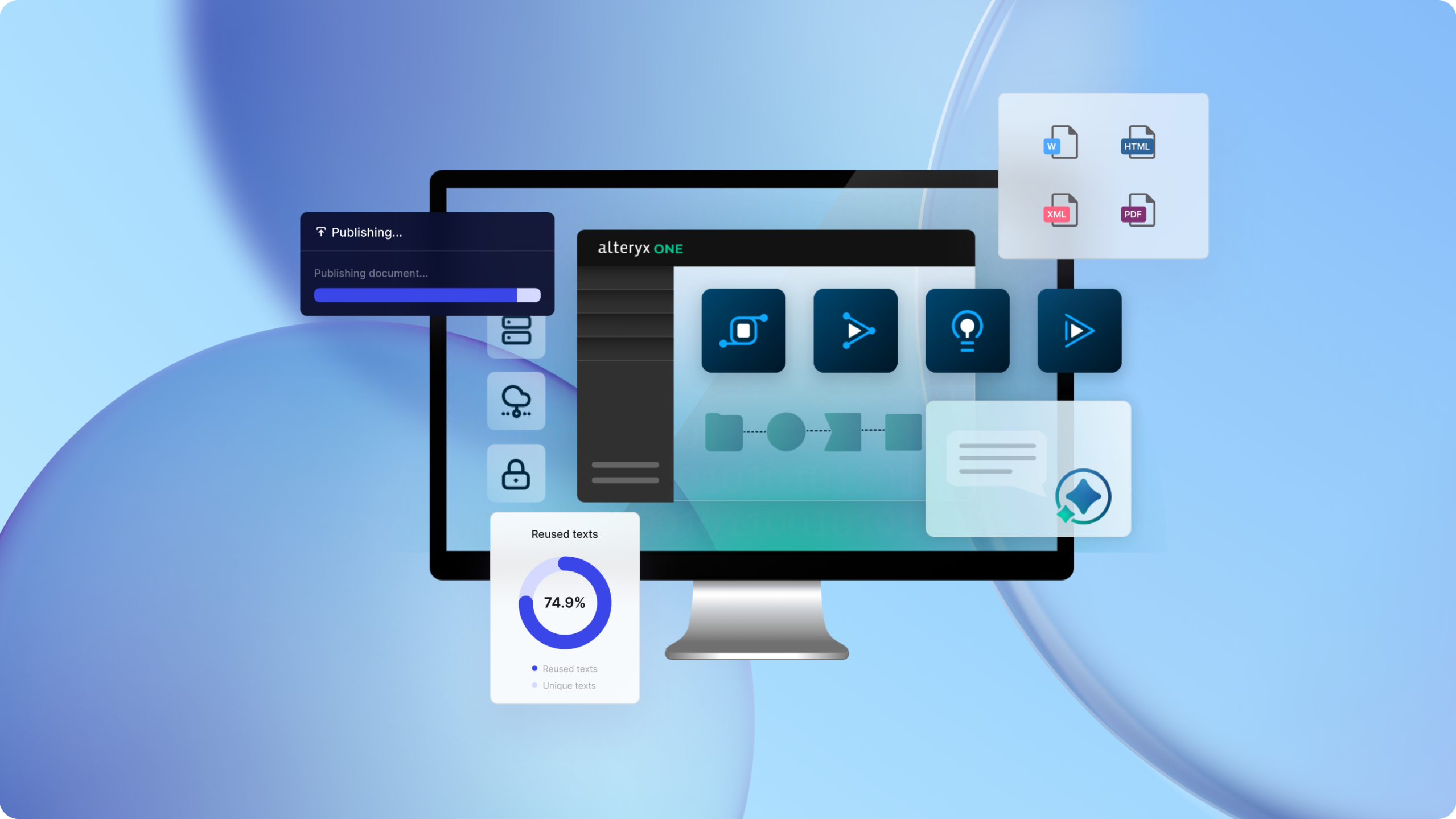
Alteryx, Inc. is a leading U.S.-based data and analytics software company headquartered in Irvine, California. Its flagship platform, Alteryx One, helps organizations blend, analyze and prepare data to power confident enterprise decisions and AI and agentic innovation. With customers spanning the Russell 2000 and S&P 500, including leaders in finance, retail, manufacturing, and insurance, Alteryx is known for empowering enterprises to make faster, smarter decisions with data.
Behind this data powerhouse was a documentation team struggling with inefficiencies. Their custom-built system was designed to give them control, but it wasn’t meeting their needs.
Managing multiple products across cloud and on-prem environments, organizational acquisitions, and content in eight languages, the team was stuck maintaining a fragile Drupal setup that required outside support for every tweak. Writers couldn’t version content, collaborate efficiently, or publish without hours of coordination. Even translation workflows broke so often that up to 60% of their budget was spent just fixing things.
That’s when they found Paligo, thanks, unexpectedly, to a marketing email. Three years later, Alteryx has centralized all its documentation in a single, structured authoring environment, driving efficiencies into the documentation process and reducing publishing time from multiple hours of manual work to only a few minutes.
The Alteryx documentation team, including Marcela Abrach, Senior Manager Global Content, David Domagalski, Lead Technical Writer, and Geoff Zath, Senior Technical Writer, took some time to discuss the challenges they were having and how Paligo has not only helped them become more efficient but has enabled them to deliver a better documentation experience for their customers.
The Challenge: Custom Built and Costly
There’s often a misconception that a custom solution is the right choice because it enables a company to build a technical documentation system to its specific requirements. But more often, custom causes more problems than it solves.
This was the case with Alteryx, which developed a custom-architected documentation solution built on the Drupal content management system. The solution was built and maintained by a third-party partner that delivers custom features and functionality, and troubleshoots issues that arise.
The documentation team was heavily reliant on the partner to support the system, while the partner provided great service, implementing changes was cumbersome due to a lack of internal control over configuration. There was also no self-service support. Domagalski said that because it was a custom solution, you couldn’t just go to the Drupal help site to find answers. But this was only one challenge.
Versioning, Drafting, and Publishing Challenges
As Alteryx offered some on-premises products, it needed to maintain documentation for each product version. The Drupal solution did not provide versioning capabilities out of the box, which made it a time-consuming and manual process for writers.
In addition, the team needed to deliver a static version of the documentation for one product. Again, the Drupal solution was unable to support this requirement. As a result, the team used an older MadCap Flare license to manage this static content and had to deal with a manual process to extract content from the Drupal solution, reformat it, and import it into MadCap, ensuring it was formatted properly.
Most products had a single writer, but there were instances when another writer needed to go into the documentation and make an update. The problem was that, with no draft management in the solution, writers couldn’t easily see pending drafts, so they were either overwriting existing drafts or they couldn’t pre-draft for upcoming features or releases.
There was also no built-in collaboration. Sharing content with a subject matter expert (SME) required taking the content out of Drupal and placing it in Teams or Confluence to make it accessible for review. For peer reviews, team members could review content in Drupal, but there was no feedback mechanism; they could only change the content directly, which wasn’t ideal.
Because there were multiple publication sources, on a product release day, the team would spend a couple of hours on a call with everyone to coordinate publishing new or updated documentation. Also, the menus on the documentation website had to be manually updated, resulting in calls from colleagues to report issues with the site.
Too Much Budget on Maintenance
From a management perspective, Abrach said the biggest pain point was that most of their budget was spent on fixing issues rather than developing features to improve the user experience. She estimated that 35-60% of the budget was spent annually on addressing issues.
The translation workflow is a perfect example, as it broke a lot. Alteryx had a three-step workflow for translating technical documentation. Content was sent from the Drupal solution to a connector and then to the translation agency. This workflow often broke, and Abrach said they spent a lot of time going back and forth between their Drupal partner and the translation agency to determine where the process was failing and get it fixed.
The mounting costs and frustrations pushed the team to rethink their entire approach.
The Turning Point: Discovering Paligo CCMS
The documentation team recognized the need for a new solution to manage technical documentation, so they began exploring alternatives. The first thing they considered was Docs-as-Code, which was getting a lot of attention in the technical writing world at the time. They also explored other SaaS solutions.
While they didn’t specifically set out to look for a component content management system, a cold outreach email from Paligo caught Domagalski’s attention. He took a look at the website, the platform features, and use cases, and felt it was worth exploring. That was three years ago, and the team hasn’t looked back.
The Implementation Process
The plan was to migrate the on-premises documentation to Paligo first, but then the company acquired companies whose documentation was in other solutions – specifically, Intercom and a highly complex Confluence and K15t implementation that had been heavily modified by custom scripts built in-house.
What was once a straightforward migration now took on a new perspective.
Thankfully, the professional services team at Paligo partnered with us to analyze the content and come up with solutions that made most of the migration possible with custom scripts.
These acquisitions altered the migration plan because the team wanted all the cloud-based documentation in one place before migrating it to Paligo CCMS. Overall, the migration of all the documentation took a little less than a year, with the cloud products migrated first, followed by the on-premises documentation.
The Results: Single Source, Many Wins
How has migrating to Paligo CCMS affected the creation and management of documentation? The team shared some of their favorite features and the opportunities that now exist.
Creating and Managing Content from a Single Source
Today, Paligo is the single source for technical product documentation at Alteryx. MapCap Flare, Intercom, and Confluence documentation are gone.
The team can also manage multiple versions of their documentation. This is especially important for the on-premises products. With Drupal, Alteryx customers had access only to the most recent version of the help content, which may not have aligned with the version of the product the customer was using, causing confusion.
The product that I work on is an on-prem product, so it does require that we version the help contents along with the versions of the product. In Drupal, we didn’t even do that. It was so time-prohibitive that we didn’t even entertain the thought of versioning the content for one of our core products. Now, it’s just a core component of what Paligo offers that with several clicks of a button, our content is versioned and our customers have access to the content that they need for the version of the product that they’re using. – David Domagalski
The removal of MadCap Flare also improved the customer experience. With MadCap, the content had branding from six years ago. Now, with Paligo CCMS, that static content shares the same brand as the help website, so if customers visit the website, there will be no confusion that the content is the same. Abrach said they could also now provide that static content in multiple languages if they chose to do so.
Today, Alteryx manages 19,000 topics in Paligo CCMS, including seven additional languages, and has 61.2% topic reuse.
Multichannel Publishing
Alteryx primarily publishes its technical documentation on its public help website. Today, they publish the site using a custom-branded HTML5 template included with Paligo.
Additionally, the team continues to publish a set of static HTML files for the offline help of one product (formerly managed in MadCap). Domagalski said that what used to take a week, full-time, now takes a couple of clicks. A more recent addition is the publishing of static content for LLMs.
We didn’t necessarily choose Paligo because of all the possible outputs, but they have been pretty awesome for us. Marcela Abrach
The team can now also publish documentation in PDF format using Paligo. For example, they receive requests to submit a static copy of their documentation as part of RFPs, and for accessibility purposes (some companies prefer PDFs over websites). Abrach said that while they have done this in the past for special use cases, it was a highly manual process, and they wouldn’t do it often.
Abrach mentioned one occasion where they were able to create a custom output when they launched their product in Japan. Ahead of the official publication date, a launch party was held, and the regional office requested the content in Japanese. She said they just selected the content that was ready in Paligo, had it translated, and delivered it.
Another advantage of Paligo is the ability for the documentation team to have a staging site where they can share content with other internal teams, like marketing and support. While this was possible with Drupal, the experience was fragmented as all the links were broken (because the content wasn’t live). The ability to provide a complete internal preview has been received well by the content stakeholders.
Editorial Features That Hit the Mark
Domagalski and Zath shared some of the features that help them be more productive in their work:
- Contextual keyboard shortcuts in the authoring experience speed up writing.
- The collaboration workflow supports content reviews by SMEs and peer reviewers; all reviews are now located in the same place as the documentation.
- The calendar helps them easily track review and collaboration assignments between writers and SMEs, something they couldn’t do easily before.
- Branching topics allow writers to work on updates for new releases without impacting current versions.
- Variables were used to replace names, supporting a recent rebranding and saving tens of hours of work by eliminating the need to manually search through documentation to find the names and make the changes.
- Dynamic linking saves hours of time and supports the staging site for other teams.
- Paligo’s support team has been very helpful, pointing them in the right direction, and offering great solutions and answers to their questions.
The team has been transitioning to a structured authoring model (Drupal doesn’t support a structured content model) and leveraging content reuse. Zath said that being able to make granular edits within a document (such as inserting an admonition between bullet points) and the ability to organize topics as needed have been highly useful.
Zath also utilizes the Paligo API to automate certain publishing tasks, ensuring content is continually refreshed, such as when translations arrive or updates are drafted by other writers.
Finally, the translation workflow works much better. Paligo’s APIs enabled Alteryx to connect the documentation content with its custom translation management system, leveraging a trusted solution we’ve been using for years. Zath has also been able to build custom publication apps using the Paligo API and Alteryx products, which have received internal praise.
The Outcome: A Better Experience for Everyone
Beyond time savings and efficiency, the Alteryx team found something harder to quantify but equally valuable: joy. Work is smoother, collaboration easier, and releases less stressful.
It’s not just that we became more efficient with Paligo,” said Abrach. “We’re providing better experiences. We have opportunities to do way more than we used to. It makes our lives so much easier, our jobs so much more enjoyable.
Paligo transformed what was once a fragmented, maintenance-heavy documentation environment into a cohesive, efficient, and future-ready publishing system, helping Alteryx deliver documentation that matches the power and precision of its own analytics platform.