

How OpenVPN Built a Scalable Documentation Ecosystem with Paligo

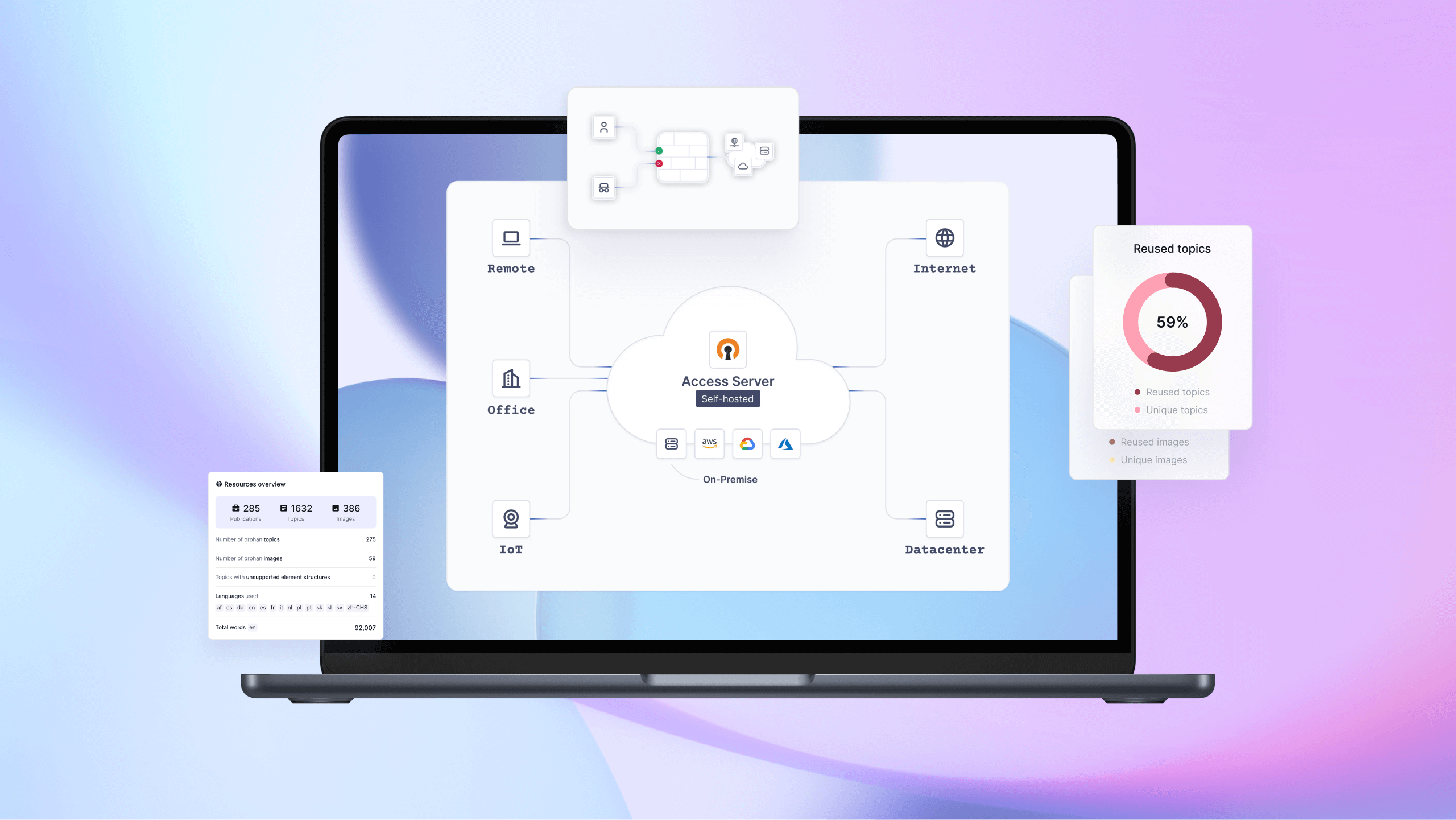
As OpenVPN’s products and customer base expanded, keeping documentation accurate, consistent, and up to date became increasingly complex. Years of content managed in Google Docs and WordPress led to outdated, difficult-to-manage content.
OpenVPN recognized it needed to improve how it managed product documentation and began a process to hire technical writers and implement new document management technology.
Why OpenVPN Needed a New Documentation Approach
OpenVPN is a market-proven leader in virtual private networking, used by Fortune 500 companies and small businesses worldwide. OpenVPN offers two solutions to help organizations easily create secure, virtualized, reliable networks that ensure secure communications between on-premise applications, SaaS applications, a remote workforce, business partners, IoT/IIoT devices, and specialized global applications. These applications include Access Server, a self-hosted solution, and CloudConnexa, a managed solution. In addition, OpenVPN Connect is used as the client app for both products.
With more than 60 million downloads of the core open source software and over 20,000 commercial customers, OpenVPN is changing the way the world thinks about online security.
Managing critical documentation for its products was becoming a priority for the company. Originally, a product owner was writing the documentation for the Access Server Product on the website, but he didn’t have the capacity to keep it up to date. They decided they needed a technical writer and looked to Lauren Elkins to take on the role.
Elkins, now Senior Technical Writer for OpenVPN, started with the company seven years ago as a part-time marketing content writer. With over 20 years of experience in software testing and business analysis, she took on the opportunity to manage the Access Server. Later, another technical writer was hired to manage the CloudConnexa documentation.
Outgrowing WordPress
When Elkins started, the documentation was managed via Google Docs and published to the company’s WordPress website. Some of the documentation was over 10 years old because updates were hard to manage. OpenVPN decided it needed a better documentation tool. It also wanted to move away from WordPress completely. So they began a tool selection process.
Choosing Paligo to Enable Structured Authoring and Reuse
After looking at several options, including Paligo CCMS, MadCap Flare, Tridion, and Whatfix, they narrowed the options down to Paligo and MadCap, finally settling on Paligo. Elkins said Paligo was chosen for several reasons, including its ability to streamline content management and content delivery, improved folder structure, SEO-friendliness, and ease of editing.
At first, the plan was to simply migrate the WordPress HTML content into Paligo CCMS, but Elkins wanted to take advantage of the content reuse capabilities in Paligo.
I wanted to be given the ability to build this out correctly in Paligo and not just copy straight over. And that way, I also get to audit and clean up the content as we go. And that did take me a full year, but the documentation we have now is by far a better user experience. And now we have tons of content reuse and things like that in the back end that have made life better for updates and all that stuff, too.
Her request was approved, and she spent the next year developing a structured content model and content reuse strategy for the Access Server documentation.
At the same time, the CloudConnexa documentation managed by the other technical writer was migrated in its current HTML file format.
Building a Structured Content Model That Could Scale
Elkins set up the documentation into publications and topics, working with Product Management to create the best organization structure for the content. Topics are organized by products, and there are topics within topics. Where possible, content is reused between topics, informal topics, and elements.
Each product had several types of publications. For Access Server, Elkins created publications for the knowledge base, tutorials, videos, and API. They import the API directly from YAML, using the API layout. The CloudConnexa documentation is organized by role, including End User, Admin, Owner, and Developer.
For content delivery, OpenVPN created a customized layout using CSS and JavaScript. The web team manages the layouts, which are published to custom landing pages for all documentation using AWS and Bitbucket. There is also a custom search using Algolia.
It’s the right tool, providing the right organization and structure that we just didn’t have with WordPress.
Managing Multiple Product Versions with Confidence
Recently, Elkins implemented versioning in Paligo to support multiple versions of the Access Server documentation. Previously, there was only one version of the Access Server documentation with inline notes for specific version differences.
But when a recent release introduced a completely new user interface, all the documentation had to be reviewed, and much of it updated. This change allowed Elkins to create two versions of the documentation (2.x and 3.x). Now, on the documentation website, customers can select the version they use and only see content for that version.
Eklins also uses Paligo’s collaboration capabilities to keep the documentation up to date.
Scaling Reviews and Collaboration Across Teams
There are three author licenses, one collaborator license, and over 80 reviewers in Paligo CCMS.
I always have somebody do a technical review for me, and so I’ll create it in Paligo, or I’ll branch an existing one that is already published, and do all my changes. I’ll send that branch over to somebody who could be anyone in the Access Server product team, or over in the support team, so just a subject matter expert, and have them do a technical review of it. They’ll do that as a reviewer in Paligo.
Integrating Documentation into OpenVPN’s Delivery Ecosystem
There are several integrations with Paligo CCMS. The first is AWS for publishing documentation to the website. There is also an Algolia integration for search.
They are also working on an integration with Zendesk to see if they can use Paligo as a publisher of Zendesk content while also allowing the support team to manage knowledge base articles directly in Zendesk.
Lessons Learned: Why Planning Makes the Difference
Elkins shared her advice for others who are considering structured authoring and content reuse:
Plan it out. The investment in the planning pays off 100%. I had a plan, diagrams planned out, spreadsheets, and an organizational structure written out. I would review it with people, and I used it to keep track of things myself. And we still miss pieces. We still found random pages that were on the old URL, like a subdomain thing. I was like, Oh, I didn’t know that was out there, you know, it comes up in some random Google search.
But overall, because of the upfront planning, once we finally got into things, it was slow progress, but you could see the progress because we had it set up. And I could be like, I’ve done these many things, and I’m like, 13% along. And then just little by little, moving through it. And because of that, when we made the 3.X documentation, I understood how to organize its planning and set it up. And that took, like, three months, something like that.
Documentation as a Strategic Asset
Today, OpenVPN manages thousands of topics in Paligo, with nearly half of its content reused across publications, products, and versions. Structured authoring, versioning, and a clear content model have transformed documentation into a system that supports change, whether that’s a new interface, a new product release, or a new audience.
OpenVPN now has confidence that its documentation is accurate, scalable, and ready to evolve alongside its products.
To have one source of truth is a better situation all around. To have a tool for your documentation that provides that, and then ways that you can then take that one source and use it in different ways, is great.