

Paligo in 1 minute: Quick video overview
Discover how Paligo CCMS can help you streamline the management of Zendesk articles.
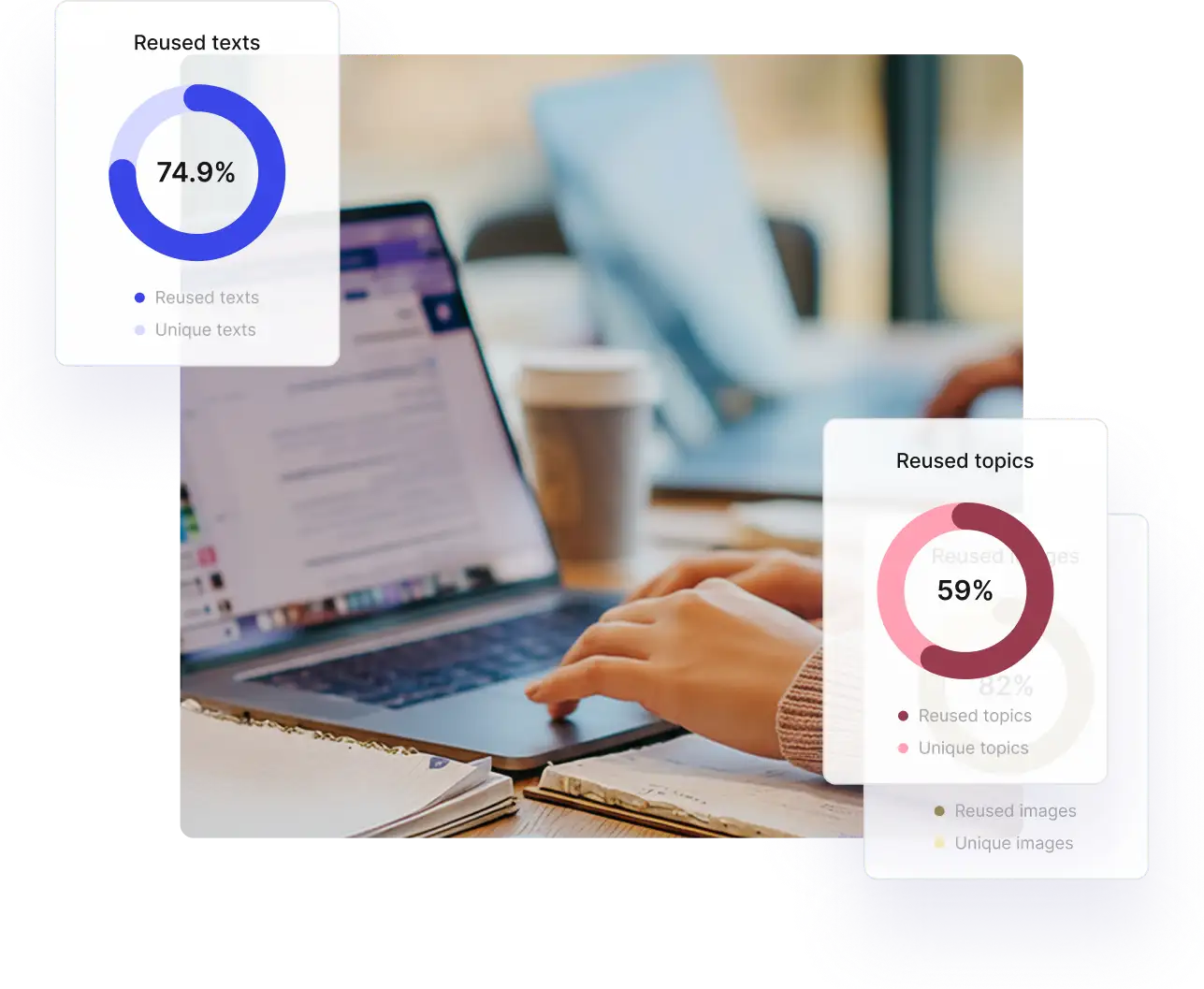
Stop rewriting articles. Start reusing content.
Zendesk Knowledge operates at the article level with no structured authoring, no topic reuse, and no profiling or variants.
Paligo separates content from formatting and lets teams create structured, reusable topics so updates happen once and flow everywhere.
| Features | Paligo | Zendesk |
|---|---|---|
| Create topics, not full pages | - | |
| Separate content from its presentation | - | |
| Reuse Topics |
Limited
Through copy/paste, texts can be reused across documents
|
|
| Version Management | - | |
|
Variables/Filters/Profiling
A variable is a container for a changeable value or text. Variables allow you to swap out small parts of content for different publications.
Filtering, also known as profiling, is a powerful feature for single-source publishing. It allows you to set content to be included or excluded when you publish, depending on whether it meets your chosen filter criteria. https://docs.paligo.net/en/variables.html https://docs.paligo.net/en/filtering---profiling.html |
- |

We went from managing at least 50 articles to now 25. It literally cut our workload in half.
Jessica Little, Documentation Manager, Planning Center
Collaboration built for documentation teams.
Zendesk supports basic collaboration, but its reviewer experience is limited. Comments in Zendesk are tied to published Help Center articles, not to the underlying content during drafting.
Paligo centralizes collaboration inside the CCMS. Assignments, SME reviews, tracked changes, comments, and snapshots all happen on the source topics themselves.
| Features | Paligo | Zendesk |
|---|---|---|
| Assignments | - | |
|
Contributor editing
Contributors are people who can be invited to take part in a contribution assignment, where they edit content or add content.
|
Depends on the subscription | |
| SME review and commenting | Depends on the subscription | |
| Collaboration workflows | Enterprise license only |

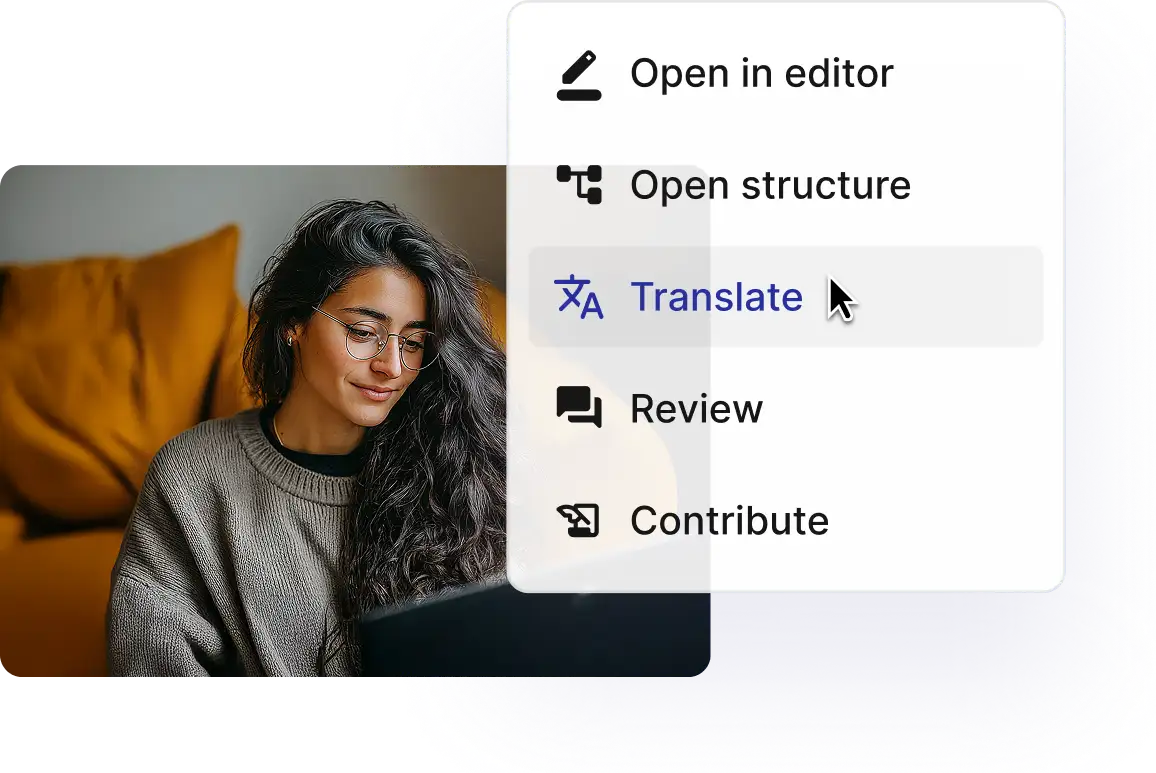
Stop managing article copies. Start managing translations.
In Zendesk, every translated language is a separate article, with no link to the source and no synchronization.
Paligo connects translations directly to the source topics, translating only what changes – and reusing translated components wherever they appear.
| Features | Paligo | Zendesk |
|---|---|---|
| Bilingual Editor | External editor | |
|
Multi-byte & RTL
Multi-byte characters, such as emojis and scripts outside the Latin alphabet (e.g., Cyrillic, Arabic, Chinese), are encoded using Unicode, a universal character encoding standard that assigns a unique code point to every character across all writing systems.
RTL translation refers to the process of localizing content into languages that are written and read from right to left, such as Arabic, Hebrew, and Urdu. |
||
| Translations linked to original content | - | |
| TMS Integration | Phrase, CrowdIn, Paligo API |
Publish everywhere - including Zendesk.
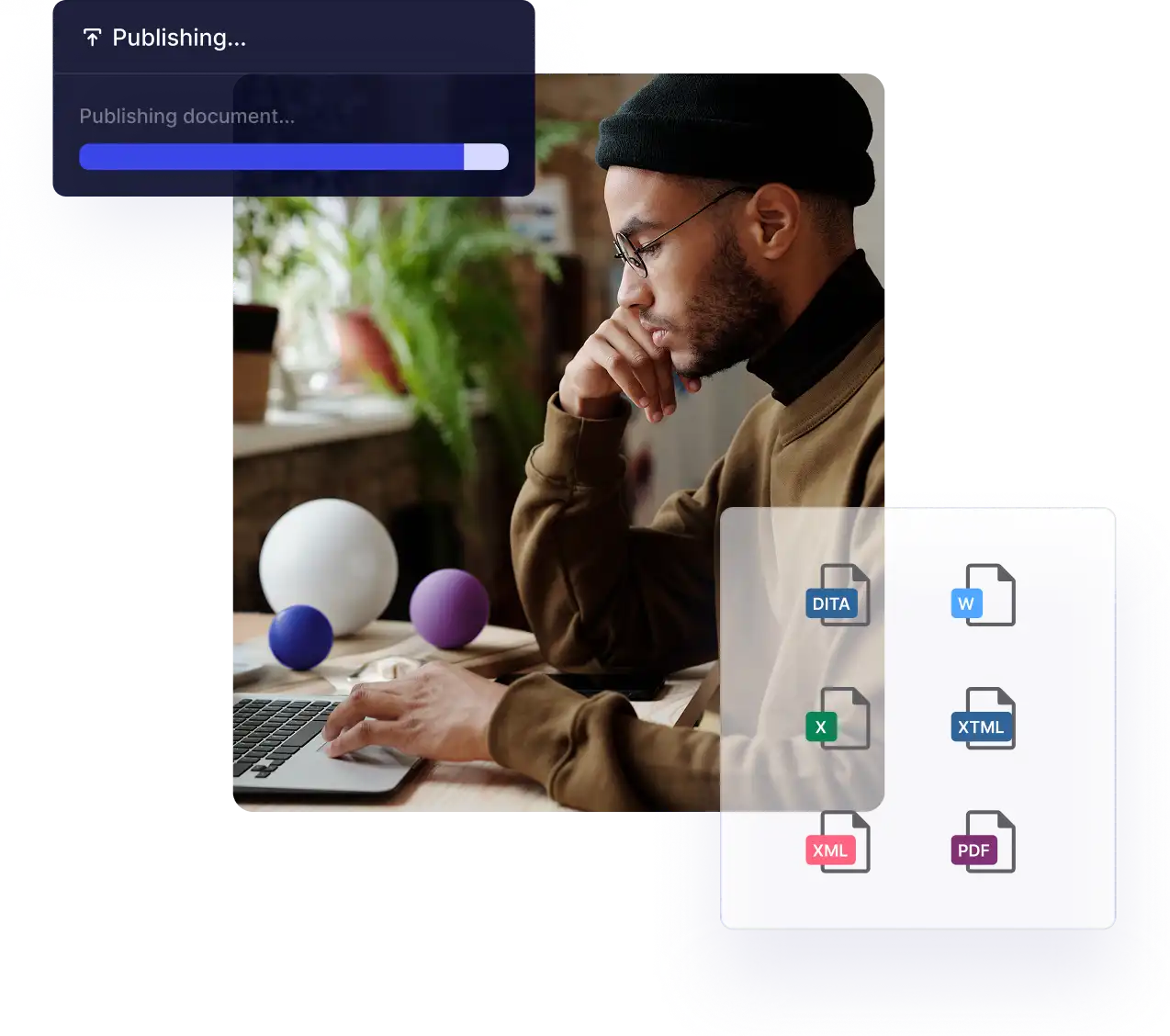
Zendesk Knowledge publishes to its own Help Center. Paligo CCMS publishes your technical content wherever your customers need it – websites, knowledge bases, CDPs, and PDFs.
| Features | Paligo | Zendesk |
|---|---|---|
| Hosting Provider (e.g., Netlify) | - | |
| CDP (Paligo CDP, FluidTopics) | - | |
| Zendesk, Salesforce, ServiceNow | ||
| GitHub, Amazon S3 | - | |
| HTML5 | - |
Get the Guide: Paligo vs Zendesk Knowledge
Discover how Paligo CCMS empowers you to create and publish content to any channel, including Zendesk Knowledge. Get the comparison guide.

I’m trying to get other teams to use Paligo as well. I want my content to be used by marketing teams. I want it to be used by training teams. I want it to be used by sales teams. Our business is text, and we should maximize how we use our own text. Paligo will let me do that.
Mike McGuffie, Technical Information Specialist, Phrase
How Paligo and Phrase transformed Zendesk content into a global, scalable workflow
Phrase integrated with Paligo CCMS and Zendesk to transform Zendesk-based help content from siloed HTML to XML-single-sourced, multi-channel content with automated translation workflows that reduced manual effort and supported 10+ languages.
Localization of our content would not have been possible without Paligo. It would have been completely manual and a nightmare to manage.



Unstructured vs Structured Content for Documentation
Thinking beyond Zendesk Knowledge? Compare InDesign, MS Word, Google Docs, RoboHelp, Confluence, and Zendesk, in our Structured vs. Unstructured Content Tools guide. Understand the right solution for your growth ambitions today.