Product Documentation with a CCMS: A Practical Guide to Streamlining


Product documentation often feels like an afterthought. It’s scattered across systems. It’s outdated in places. And keeping it current costs real money and real time. Pair product documentation best practices with a Component Content Management System (CCMS), and you get a better way: treat your documentation as interconnected components, not isolated documents.
Quick answer
A product documentation CCMS is a system that stores every piece of technical content — procedures, warnings, definitions, screenshots — as reusable components rather than fixed documents. Teams write each component once, then assemble them into user guides, knowledge base articles, PDFs, and embedded help. One update propagates everywhere. Structured authoring, single sourcing, topic-based authoring, and conditional content replace the update nightmare with one trusted source. Paligo’s cloud CCMS adds translation memory, workflow, and multi-channel publishing on top — so a 1,200-page product manual ships in 12 languages from the same source of truth.
FAQ: Common Questions about Product Documentation
Clear, Concise, Consistent. These principles keep your content understandable, focused, and uniformly structured across every document — whether it’s a user guide, a release note, or an API reference.
Product documentation includes all materials that explain how a product works, how to use it, and how to troubleshoot issues.
Technical writers typically lead the process, but they collaborate with developers, product managers, and support teams for subject matter expertise.
A CCMS structures content into reusable components, enabling faster updates, consistent messaging, efficient localization, and multi-format publishing from a single source.
System documentation supports internal teams with technical details; user documentation helps customers use the product effectively with guides, FAQs, and tutorials.
The Two Variations of Product Documentation
Product documentation is every piece of information that helps someone understand, use, or maintain your product. Whether you’re writing API specifications for developers or step-by-step tutorials for end users, you’re creating product documentation.
Think of it as your product’s ambassador when you’re not there to explain things yourself. Good documentation answers questions before they’re asked. It solves problems without a support ticket.
Two main types exist. A product documentation CCMS like Paligo handles both in one system.
System Documentation
This is the behind-the-scenes technical material that helps internal teams build and maintain your product. System documentation includes architecture diagrams, technical specifications, source code documentation, product roadmaps, and DITA-structured reference content.
When developers need to understand how features work internally or how systems connect, they turn to system documentation. A CCMS keeps this content version-controlled and linkable to the user-facing topics it supports.
User Documentation
User documentation is what most people think of when they hear “documentation” — the materials that help customers use your product effectively. It includes user guides, tutorials, knowledge base articles, FAQs, and troubleshooting content. When customers want to solve problems, they need user documentation.
Adopting the right product documentation software delivers measurable benefits across the organization:
- Support teams answer fewer repetitive questions
- New users become proficient faster with less frustration
- Development teams build more cohesive features based on clear specifications
- Sales teams confidently address technical questions during the sales process
Common Product Documentation Challenges
If you’re responsible for product documentation, these challenges probably sound familiar. A CCMS addresses each one directly.
The Update Nightmare
You make one small change to a feature. Suddenly you’re hunting through dozens of documents to update the same information. Miss one instance and you’ve got inconsistent documentation that confuses users and undermines trust.
Your technical writers spend more time finding and updating content than actually creating anything new. Single sourcing solves this — one component, referenced everywhere, updated once.
Version Management Headaches
Your product has multiple versions in the market. Different editions. Regional variations. Each needs its own documentation, but with tremendous overlap. When you update common information, you have to identify which documents across which versions need updates — a process prone to errors and omissions. Conditional content and version control in a CCMS turn this into a single component with filtered outputs.
Collaboration Bottlenecks
Good documentation needs input from subject matter experts across the organization. Coordinating those contributions is hard. Developers provide technical details. Product managers supply use cases. Support teams contribute common issues. Everything has to land in one cohesive document. Traditional tools make this cumbersome — built-in collaboration in a CCMS removes those bottlenecks.
Format Proliferation
Your users expect documentation in multiple formats — searchable web content, downloadable PDFs, embedded help, sometimes print. Each format traditionally requires separate formatting and publishing. That multiplies the work and opens the door to inconsistencies. XML-based, topic-based authoring in a CCMS generates every output format from the same source.
How a CCMS Transforms Product Documentation Processes
A Component Content Management System isn’t just another documentation tool. It introduces a structured, component-based methodology that solves these persistent challenges for product documentation teams.
Structured Content Approach
A CCMS breaks your product documentation into logical, reusable components rather than treating it as a collection of documents. Think of it as Lego blocks versus stone carving. One gives you flexibility and reuse. The other locks you into fixed forms.
In a CCMS, a “component” might be a procedure for a specific task, a conceptual explanation, a warning notice, or a screenshot with its caption. Each is a single, reusable unit. You assemble them into complete documentation.
Update a component and the change propagates everywhere the component is referenced — unless versioning or conditional logic overrides it. Metadata schemas and content reuse policies keep this consistent while giving teams room to customize when they need to.
This approach transforms how your team works:
- Technical writers focus on creating clear, well-structured content components
- Updates become simpler and more reliable
- Quality improves as components are refined through reuse
Single-Source Publishing
The CCMS maintains one authoritative version of each content component. The principles of single-sourcing mean that when you update a component, the change automatically propagates to every document and format where it appears. It’s the same idea behind a single source of truth (SSOT) for your documentation.
This streamlines the most time-consuming parts of documentation maintenance. No more hunting through multiple documents to make the same change. Fewer inconsistencies between versions. Less effort reformatting content for different output channels.
For your team, that means less tedious maintenance and more time creating valuable new content. For your users, it means more accurate, more consistent documentation across every format and channel.
Key Functions of Product Documentation in a CCMS
Here’s how creating and managing product documentation works in Paligo CCMS. Each step builds on the structured, component-based approach.
- Create content using structured authoring. Start with templates designed for different content types instead of blank pages. Focus on explaining concepts or tasks without worrying about formatting. Add screenshots and diagrams to clarify complex processes. When a product feature changes, you only modify the specific component that describes it.
- Reuse existing content components. Stop writing the same information twice. Search for existing components first. Last month’s product description can be reused in your new quick-start guide. Troubleshooting steps can appear in both the user manual and knowledge base articles — with the XML source kept in one place.
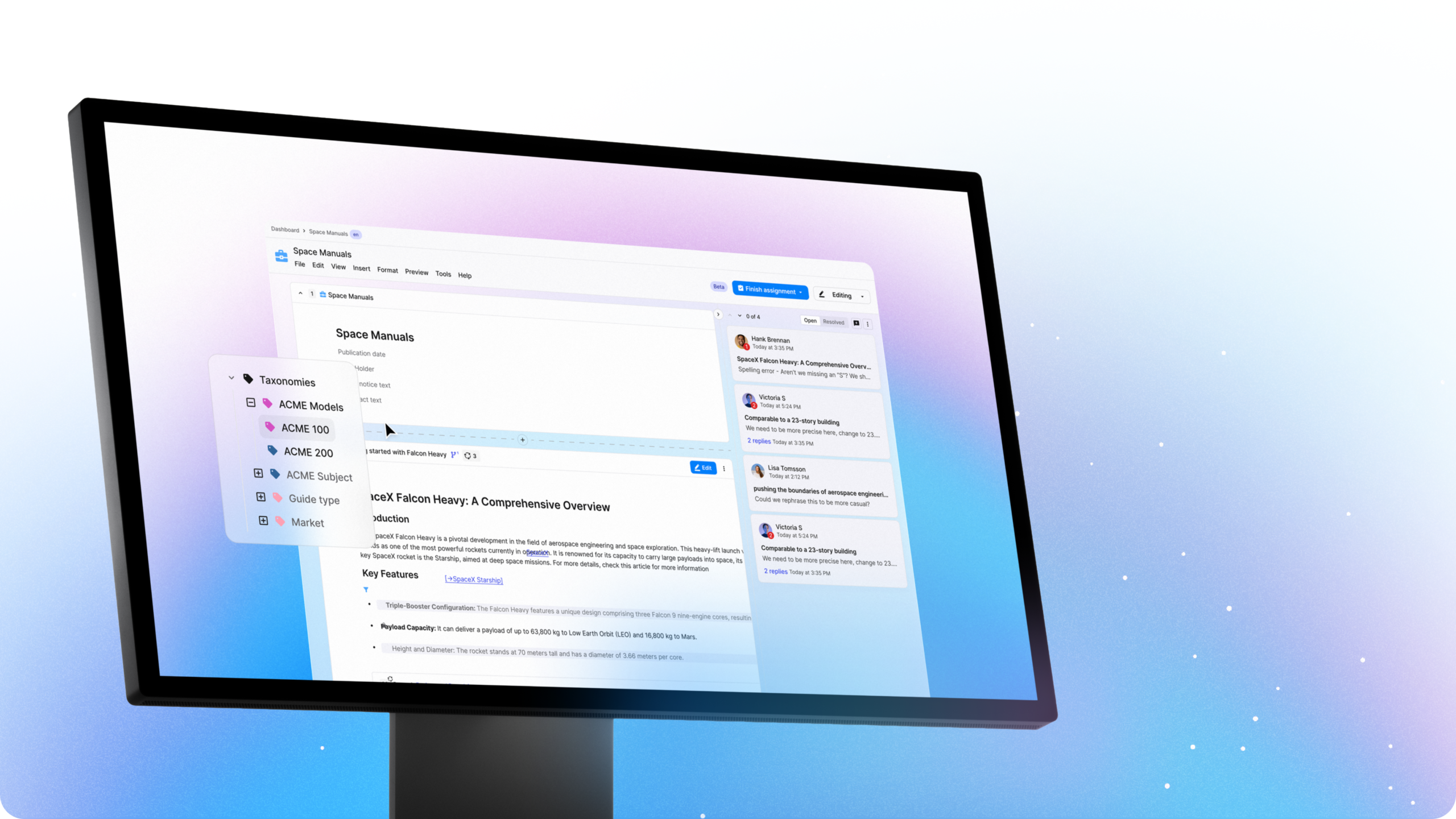
- Manage multiple content versions. As products evolve, create branched versions of components for different editions or releases. When core components change, selectively update related variants while keeping the core consistent. Conditional content automatically includes or excludes information based on product version or audience.
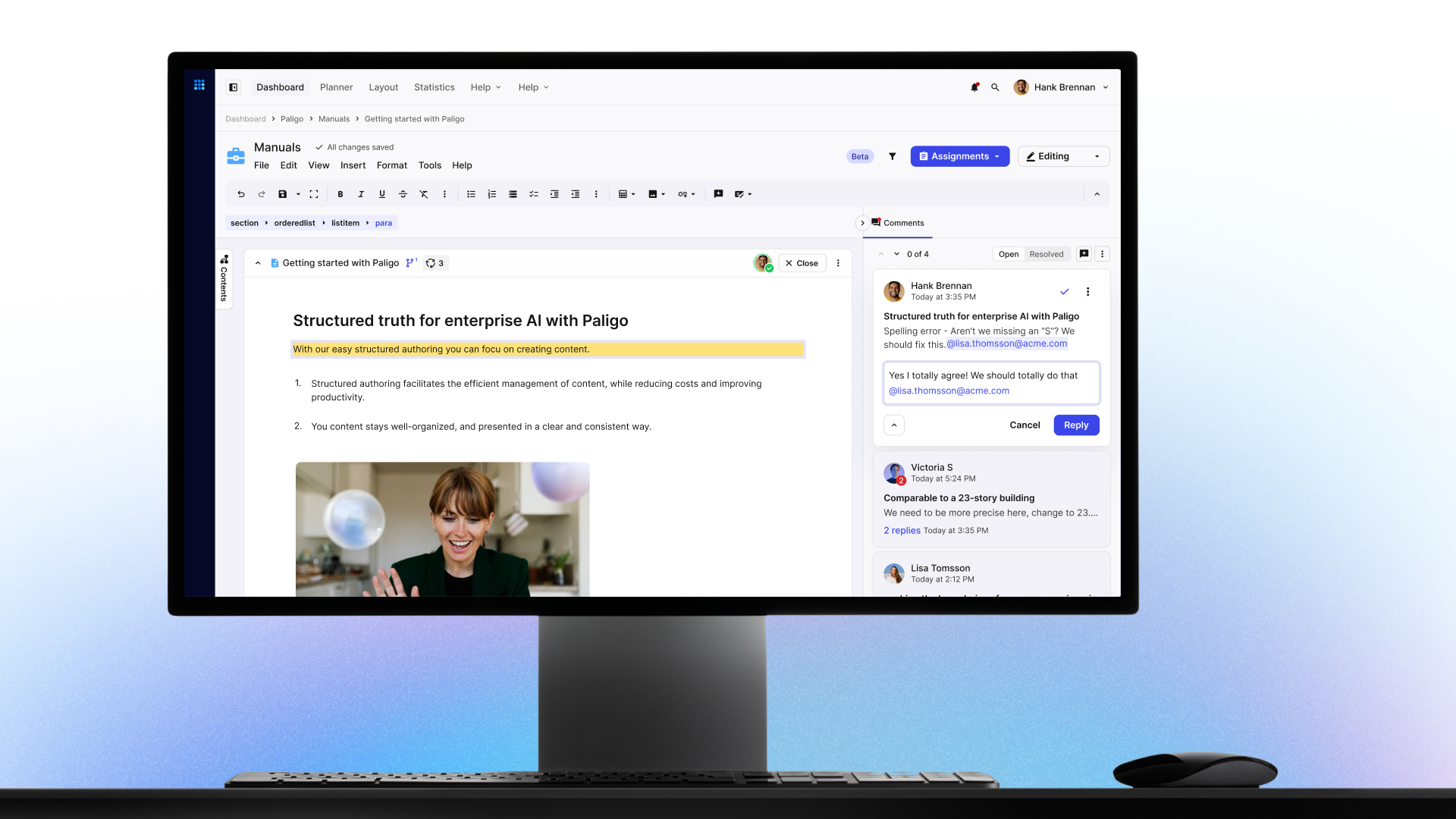
- Collaborate across departments. In a CCMS, subject matter experts contribute directly to components in their area. Built-in workflows route content to the right reviewers, track approval status, and keep change records. Comments stay attached to specific content, giving reviewers context that helps resolve questions faster.
- Translate and localize documentation. Integrated with translation memory tools, Paligo sends only updated components out for translation. Localization costs drop. Translation memory reuses previously translated segments. Manage every language from one system. Updates flow through to all localized versions automatically.
- Publish to multiple channels and formats. Publish to web pages, PDFs, mobile content, and other formats from the same source components. Multi-channel publishing means you define templates once and apply them consistently. Every format keeps the same branding, terminology, and content — no extra formatting work.

Best Practices for Product Documentation Excellence
To create truly outstanding product documentation, apply these streamlined best practices inside your CCMS.
Content Organization
Organize documentation around user tasks and questions — not around how your product is structured internally. Most users don’t read cover-to-cover. They search for specific answers. Use descriptive, action-oriented titles that match how users think about their tasks. Apply consistent metadata to enable powerful filtering and search.
Create a consistent information architecture that uses similar patterns for similar types of information. Predictability makes navigation easier. Once users understand the pattern in one section, they find information faster in unfamiliar ones. A good CCMS enforces that information architecture through topic types, metadata schemas, and DITA-style content reuse rules — so structure stays consistent even as dozens of writers contribute, and localization teams always know which components to translate.
Collaboration and Maintenance
Establish clear roles for content creation, review, and publication. Developers handle technical accuracy. Support teams evaluate clarity from the user’s perspective. Style guides and templates keep contributions consistent — which matters even more once you have multiple contributors.
Schedule technical documentation reviews that align with your product release cycle. Before each release cycle, identify which components need updates and which need new version control branches. Consider having real users test critical procedures. Collect feedback through ratings or comments embedded in your documentation to find unclear explanations or missing information.
Analyze usage metrics to guide improvement. Which topics get the most views? Which search terms return no results? Use these insights to close content gaps and prioritize where updates will have the most impact.
Real-World Product Documentation That Works
Want to see these principles in practice? The Paligo Docs portal is a working example. Content is organized around common user journeys. Information is broken into logical components for readability.
Visitors jump between related topics through cross-references, follow illustrated tutorials, and see which features apply to their specific product version. We apply the same CCMS principles we recommend — so the docs double as a live demonstration of what structured content can do for AI-ready documentation.
Measuring Product Documentation Performance
How do you know your documentation is working? Track these KPIs.
- Support deflection. Track support volume connected to documentation improvements. When you update content that addresses a common issue, do related tickets drop? That correlation is direct ROI.
- User engagement. Monitor page views and navigation patterns. High bounce rates suggest unhelpful content. Long time-on-page for procedural content often means confusing instructions, not deep engagement.
- Content efficiency. Measure how quickly your team produces and updates documentation. Track time from product change to documentation update. Track the percentage of reused components. Both quantify the operational benefits of your CCMS.
Use these metrics to find your documentation’s weakest areas — the pages generating the most support tickets or the lowest satisfaction ratings — and prioritize them for improvement.
Getting Started with Paligo CCMS
Paligo’s cloud-based CCMS is one of the best technical publication software solutions available today. It’s built for technical documentation teams managing complex product documentation. You get structured authoring templates, content reuse, workflow management, translation tools, and multi-channel publishing — in one intuitive interface, accessible from anywhere.
You don’t need to migrate everything at once. Many organizations start by moving their most frequently updated content into Paligo first, then gradually bring the rest over. That approach lets teams adapt to the new system while immediately benefiting from the efficiency gains. Read more about the path other customers have taken in our Paligo case studies.
Get started with Paligo
Paligo is built to meet the most demanding requirements, with plans made for any company from the growing SMB to the large Enterprise.
Get the Paligo Pulse once a month.
Stay ahead in structured content
Share
Author